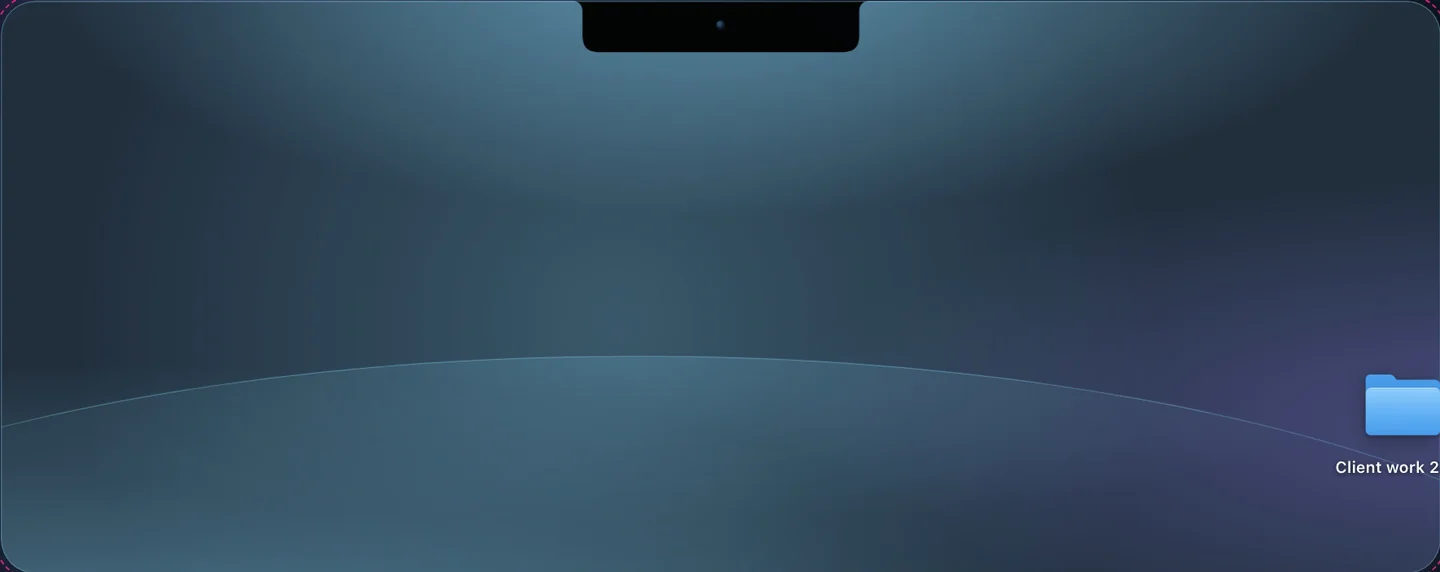
Keep it from the notch
Drop a file or a folder on the notch and Crest checks every part as it uploads.
Still emailing files to yourself to get them onto your other Mac? Drop them on the notch instead. Crest Cloud encrypts them on your Mac and hands them back on any Mac you sign in to.
Try Crest Cloud free: 5 GB for 7 days Start free
Drop a file or a folder on the notch and Crest checks every part as it uploads.
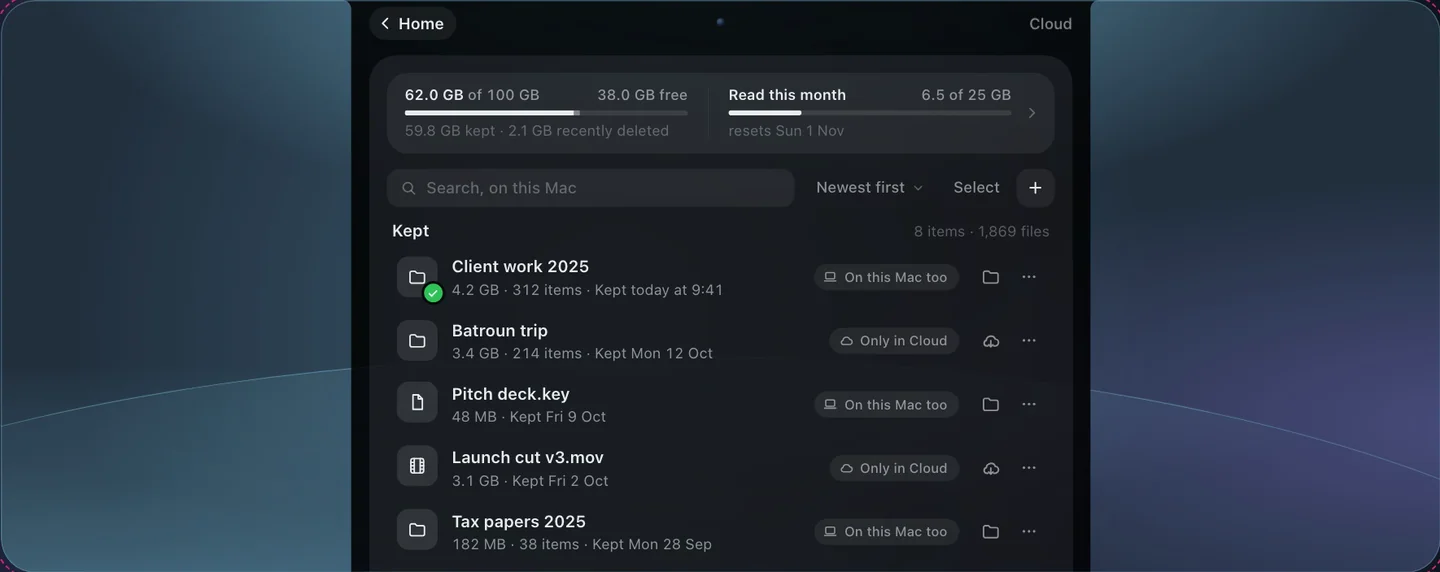
When you need it again, open the notch and drag the file back out.
Your files come back on any Mac that is signed in to your account.
You can download all of it once every 90 days on any plan, and every file is checked on the way.
Sign in to the same account in Crest on that Mac and unlock Cloud with your recovery key. Then drag a file out of the notch, or use Download everything in Settings, Cloud.
If you don’t pick a plan, your Cloud files stay readable for 14 more days, so you can download them, and then they’re deleted.
No. Names and contents are encrypted on your Mac, so our server sees only sizes and dates. Your account can’t read them either: only your Macs and your recovery key can.
Drop keeps them on its server for 7 days. Keep one in Cloud and it stays until you delete it, without uploading again.
It gives you bigger files and links that stay up. Without Cloud, Drop sends files up to 2 GB, with links that last 1 hour.
Getting your own files back on any of your Macs, and each link you make, counted once at its size: 25 GB a month on 100 GB, 125 GB a month on 500 GB, 250 GB a month on 1 TB. It starts again on the 1st. Download everything, once every 90 days, doesn’t count.
It moves into Cloud on the same subscription. You pay only the difference for the days left, and Take and Minutes stay included.
A monthly plan keeps working for 7 days, then stays read-only until day 30: you can get files back and download everything, but not keep new ones. On day 30 the files are deleted. We email you on days 0, 7, 23, 29 and 30.
We’ll email you 90 days before, and Download everything stays free and working until the last day.
Guides: Encrypted cloud storage for Mac · A Dropbox alternative for Mac · Send large files from a Mac · A WeTransfer alternative · Mac to Windows or Android
Try Crest Cloud free: 5 GB for 7 days
$4.99a month$44.99a year
before US tax
Drop: send files up to 20 GB · links that last 30 days. 200 GB a month.
Cloud: store 100 GB, encrypted.
Buy 100 GB$11.99a month$129.99a year
before US tax
Drop: send files up to 50 GB · links that last 90 days. 1 TB a month.
Cloud: store 500 GB, encrypted.
Buy 500 GB$21.99a month$249.99a year
before US tax
Drop: send files up to 100 GB · links that last 1 year, renewable. 2 TB a month.
Cloud: store 1 TB, encrypted.
Buy 1 TBEvery plan includes Crest, Take and Minutes. Renews monthly until you cancel.Renews yearly; we email you 30 days before.
Full refund within 7 days, 14 in the EU and UK. Cancel with one button on our site.