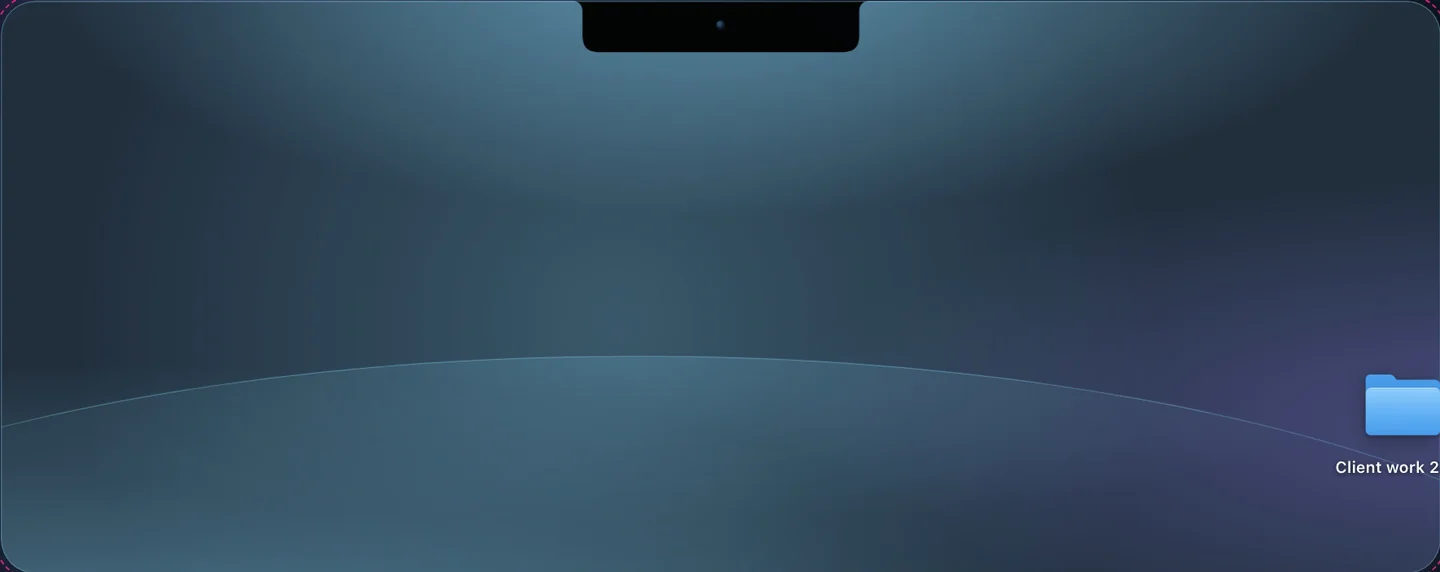
Keep it from the notch
Drop a file or a folder on the notch and Crest checks every part as it uploads.
Files encrypted on your Mac, so the server never sees what they are.
7 days free, no card. macOS 14 or later.
Most cloud storage asks you to trust that nobody on the other end will look at your contracts, photos or code. End-to-end encryption removes the need for that trust: the file is locked on your Mac before it uploads, and only your own devices hold the key, so the company storing it sees encrypted bytes and nothing else.
| Plan | Price | Largest file | Links last up to |
|---|---|---|---|
| Free week | Free with the 7-day trial | 5 GB (5 GB in all) | 30 days |
| 100 GB | $4.99 a month or $44.99 a year | 20 GB | 30 days |
| 500 GB | $11.99 a month or $129.99 a year | 50 GB | 90 days |
| 1 TB | $21.99 a month or $249.99 a year | 100 GB | 1 year |
Prices are before US tax. Every Cloud plan includes Crest, Take and Minutes. Without Cloud, Drop sends files up to 2 GB, with links that last 1 hour. If you stop paying, a monthly plan keeps working for 7 days, then stays read-only until day 30 so you can download everything.
Try Crest Cloud free: 5 GB for the 7-day Crest trial, no card.
7 days free, no card. macOS 14 or later. Full refund within 7 days.
Drop a file or a folder on the notch and Crest checks every part as it uploads.
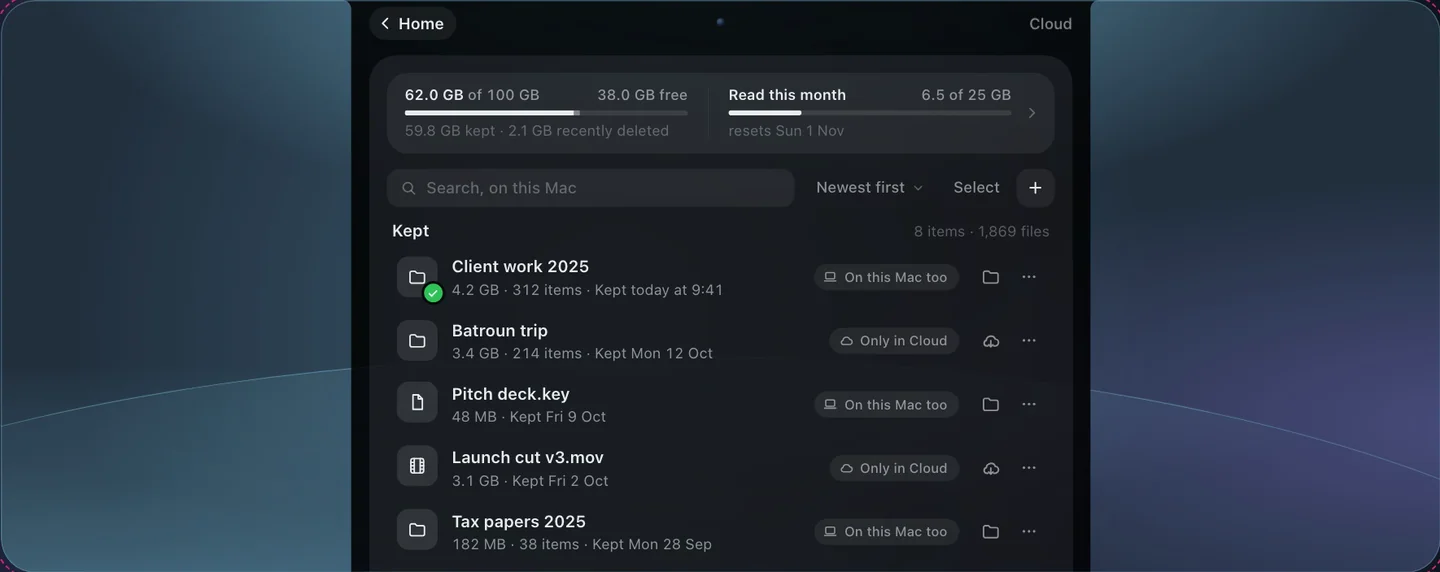
On another Mac, open the notch and drag the file back out.
No. Names and contents are encrypted on your Mac, so our server sees only sizes and dates.
Another of your Macs, or your recovery key, unlocks your Cloud. Without either, nobody can open the files, us included.
If you don't pick a plan, your Cloud files stay readable for 14 more days so you can download them, and then they're deleted.
No. You keep files from the notch and take them back when you need them, on any Mac signed in to your account.
Not yet. Crest Cloud opens on any Mac signed in to your account.