Public beta
Crest for iPhone
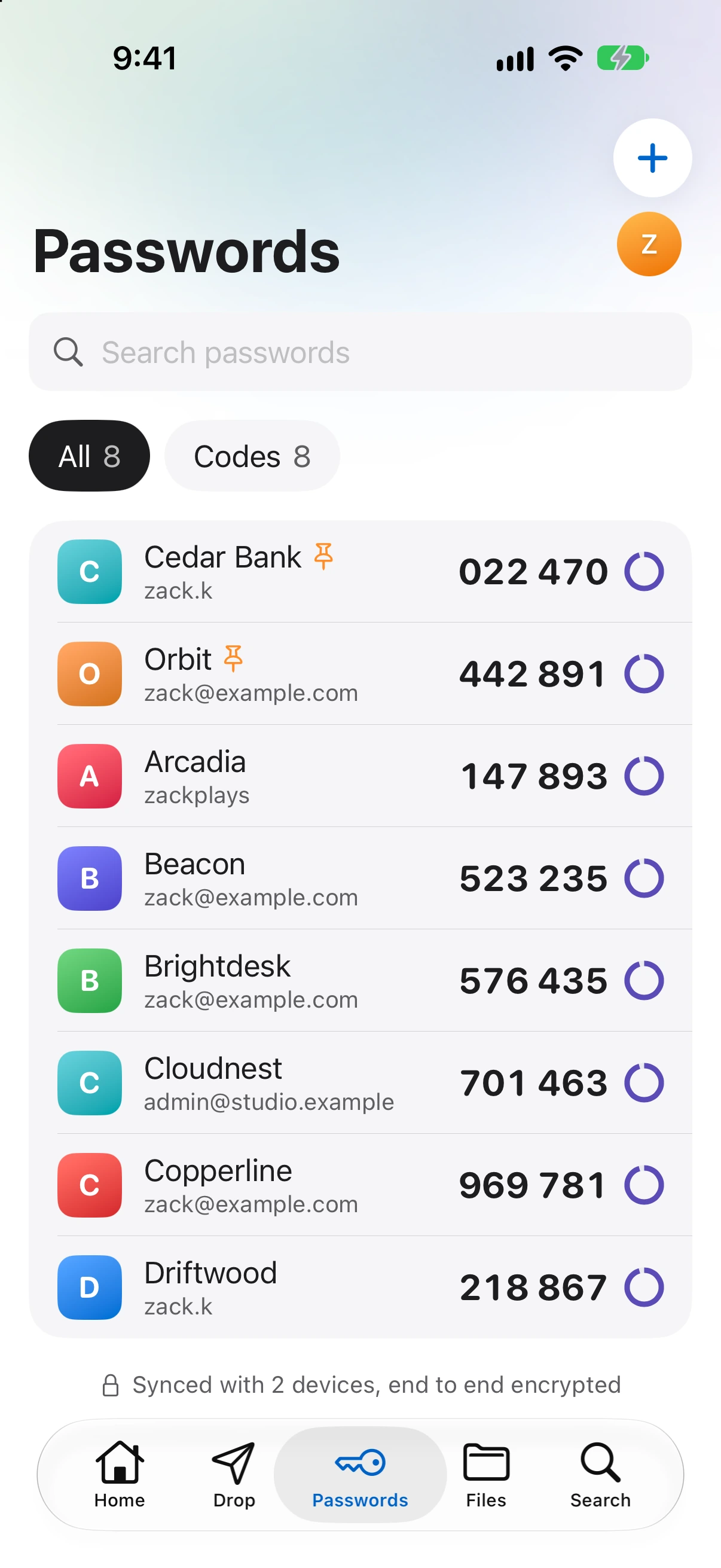
Crest for iPhone has the same passwords and 2FA codes as Crest on your Mac, kept in sync and end to end encrypted. Drop, your Crest Cloud files and your reminders are there too.
Passwords and 2FA codes
Your passwords fill with Face ID.
When Safari asks you to sign in, it offers your login from Crest, and Face ID fills it in. Every 2FA code is in Passwords too, with a ring that counts down to the next one. It’s the same vault as Crest on your Mac, so a code you add on either one shows up on both. Sync and Face ID filling are free for your first month, then come with Crest Passwords or a Crest Cloud plan.
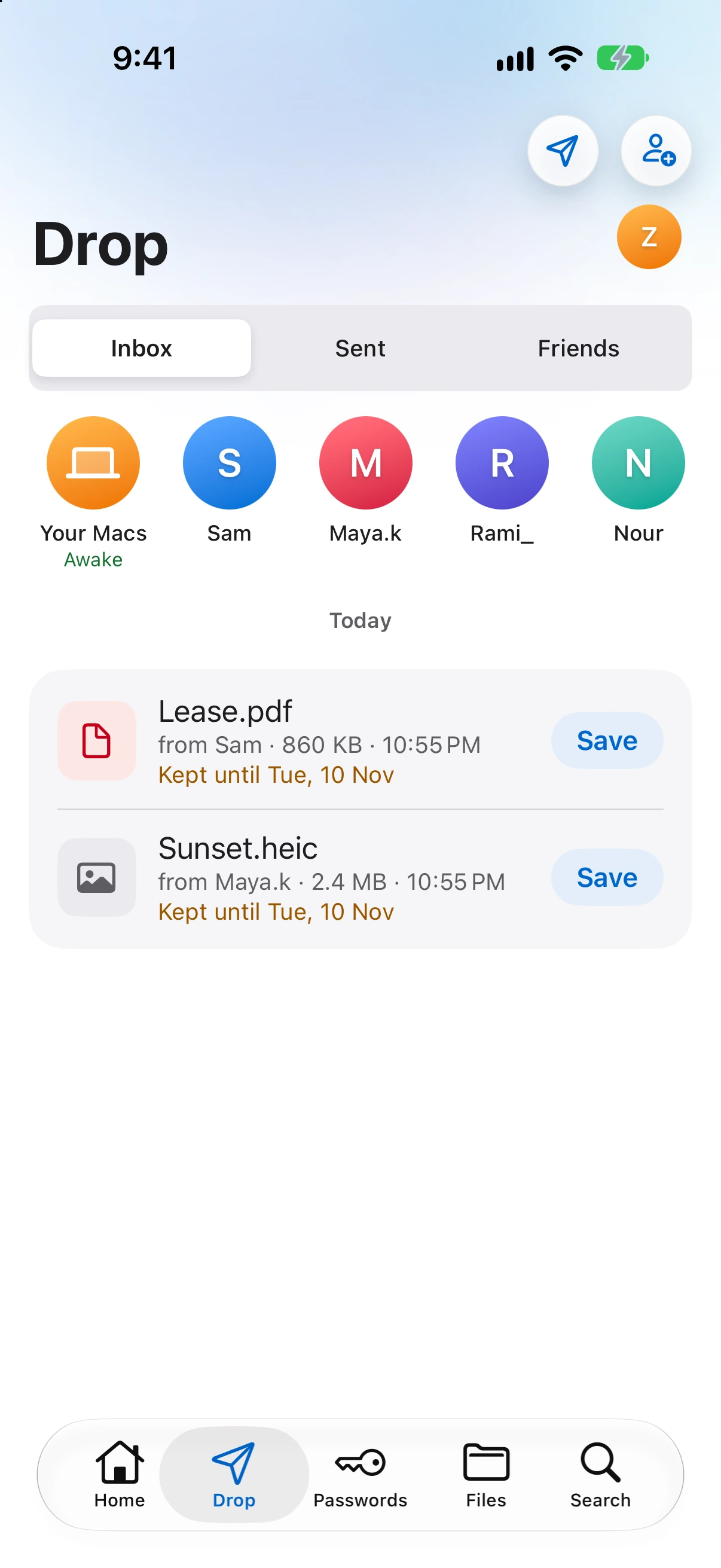
Drop
From your iPhone to a friend’s notch.
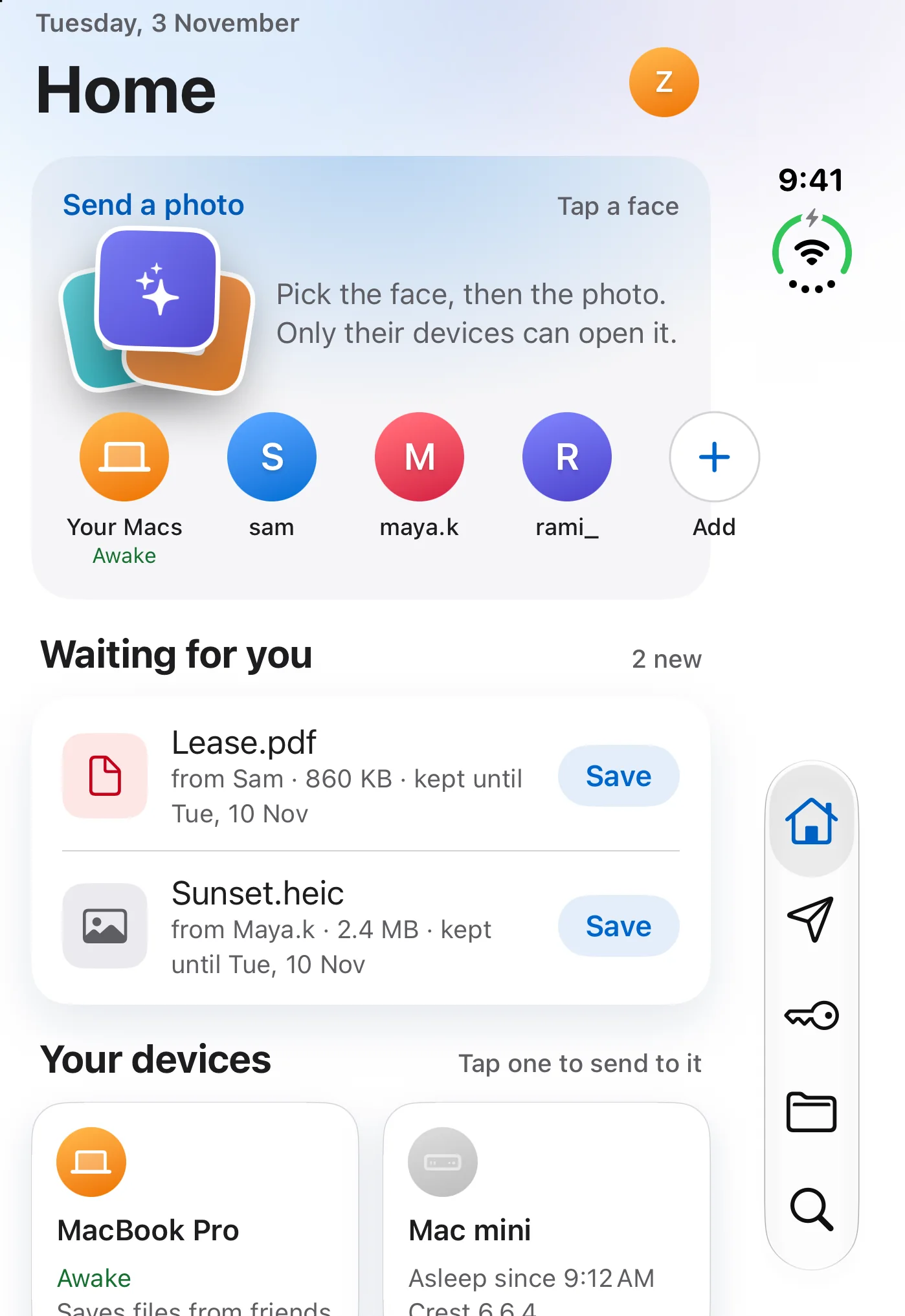
Share a photo and pick a friend. It is encrypted on your iPhone before it leaves, and it lands in their notch on the Mac. Files friends send you land in Drop.
iPhone Duo
Crest works on iPhone Duo too.
Folded, Crest fills the outer display and moves its tabs to a strip down the right edge. Touch ID opens your passwords and codes, and Crest asks again after your iPhone Duo locks or you step away for 30 minutes.
Join the beta on TestFlight.
Crest for iPhone needs iOS 26 or later.