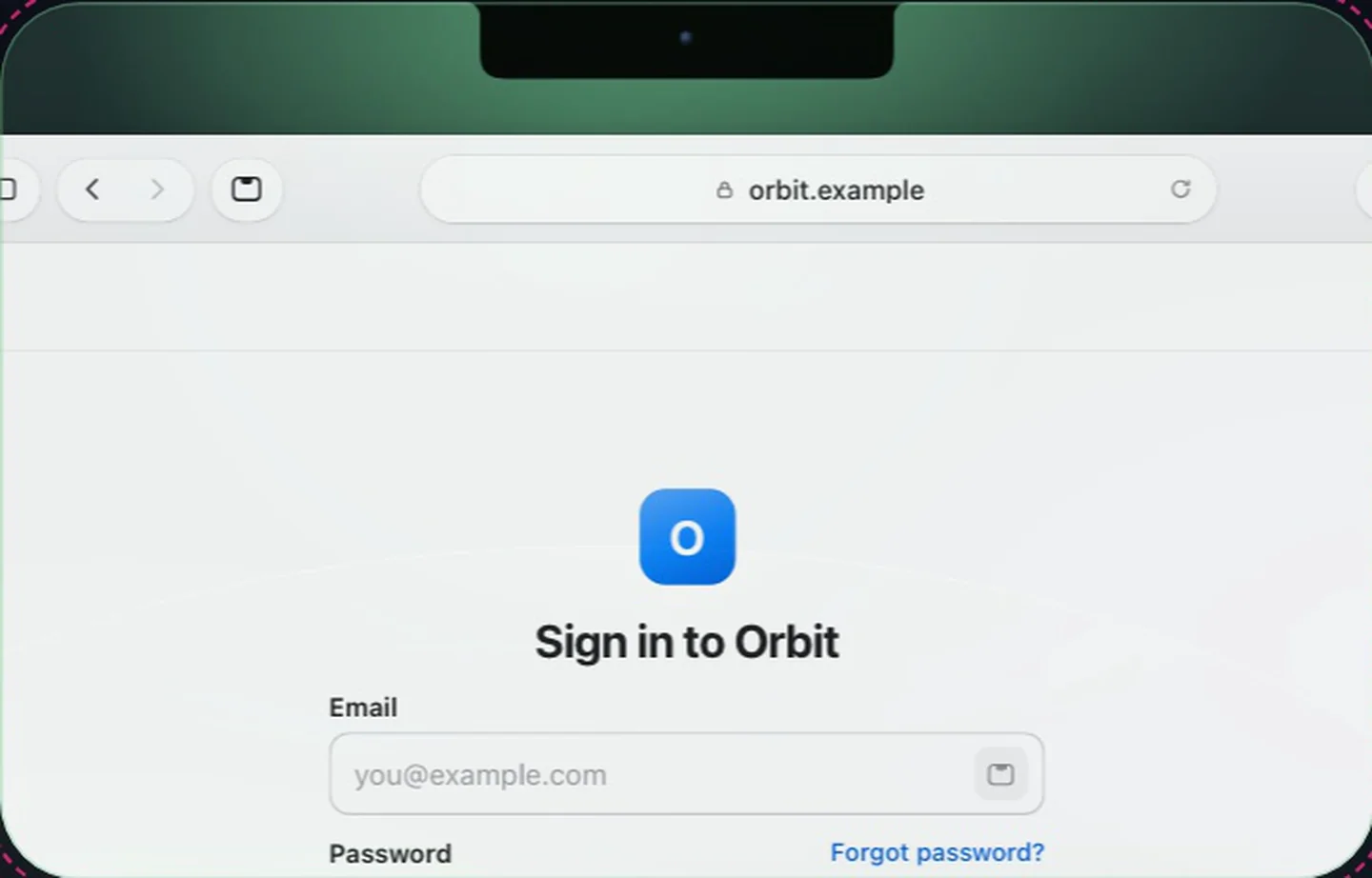
Sign in from the notch
Approve with Touch ID and Crest fills the login, then offers the code on the next page.
Touch ID fills the login and its code, in Safari.
New in 6.6
7 days free, no card. macOS 14 or later.
Signing in usually means three steps: find the password, paste it, then open another app for the six-digit code. Crest Passwords keeps your logins in Crest, right next to the Authenticator, so on a sign-in page in Safari the notch offers the login. Approve with Touch ID and Crest fills the username and password, and when the next page asks for a two-factor code, the notch offers that too.
| Crest Passwords | Apple Passwords | |
|---|---|---|
| Price | Part of Crest: $14.99 once, or all three apps (Crest, Take and Minutes) from $2.99 a month | Free, built in |
| Fills the two-factor code with the login | Yes | Yes, for codes it holds |
| Comes with | Drop, the Authenticator, agents, widgets, Take and Minutes on a plan | macOS, iOS and iPadOS |
If you live on a Mac and you're tired of hopping between a password app, an authenticator and a file-sharing site, Crest puts sign-in, codes and files in one place in the notch. It's a native Mac app, light on battery, and that one app is what we wanted for ourselves.
You don't have to start over. Export from the app you use now, then import the file in Crest, which reads 1Password's 1PUX and CSV exports and Bitwarden's JSON and CSV exports.
Try Passwords free for 7 days and let the notch handle your next sign-in.
7 days free, no card. macOS 14 or later. Full refund within 7 days.
Approve with Touch ID and Crest fills the login, then offers the code on the next page.
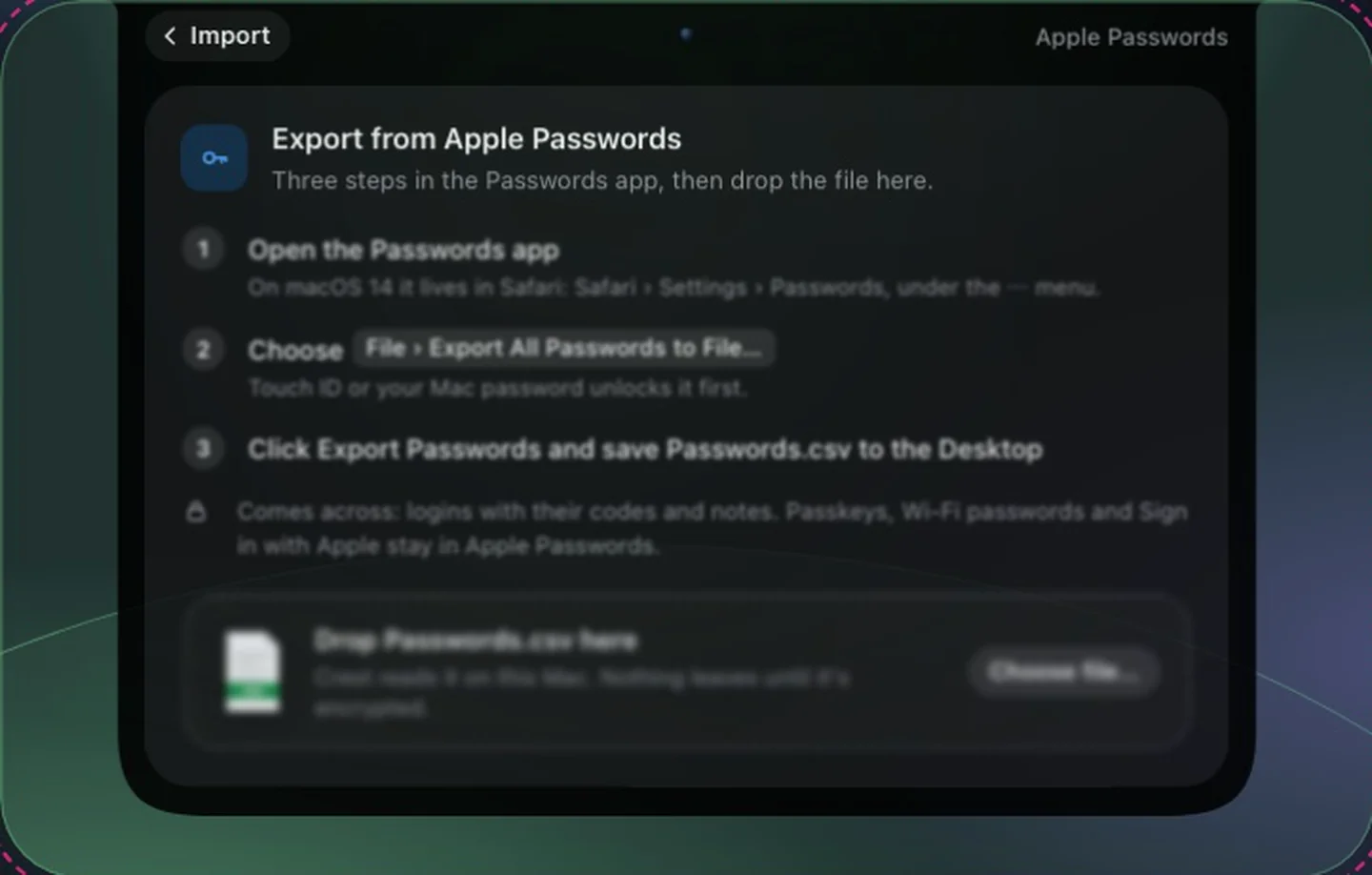
Import the export you already have from Apple Passwords, 1Password, Bitwarden or any CSV.
Not through an extension yet. It fills in Safari today. In Chrome the notch types the login in once Crest is allowed in Accessibility, and a Chrome extension is coming soon.
Yes. Export a CSV from the Passwords app and import it in Crest. 1Password and Bitwarden exports work too, and so does any other CSV once you match its columns.
No. It sends the first 5 characters of a hash of the password to the Pwned Passwords service and compares the answers on your Mac. You can turn it off in Settings.
Not yet. Crest is a Mac app, and your Macs stay in sync with each other, end to end encrypted.
They live in the same place. When the next page asks for the code, the Authenticator offers it in the notch and one click on Fill in types it, so you never open a second app.